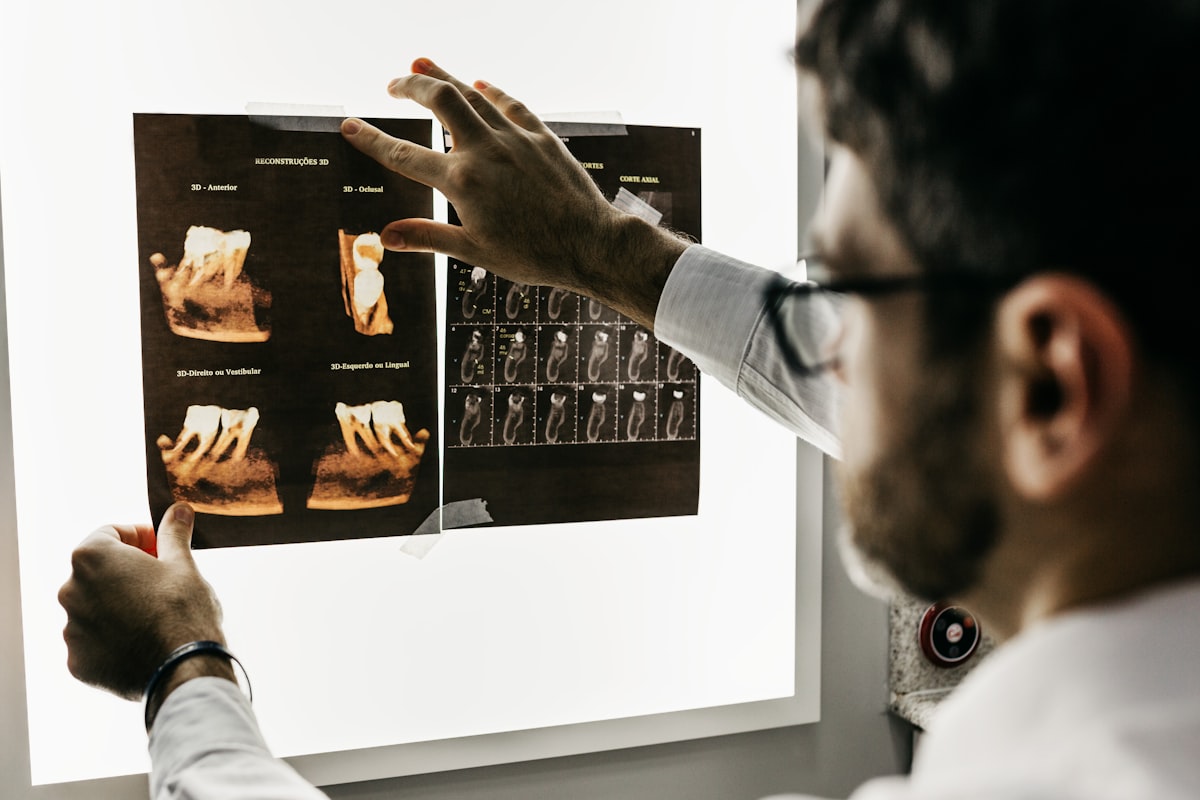
You start by automating one task — not overhauling your entire clinic. The most effective entry point is AI treatment notes or WhatsApp appointment reminders, because both integrate into your existing workflow without requiring staff retraining or process changes. Most clinics on MedicalMet see measurable results within the first week, with zero downtime during setup.
Why Do Clinics Hesitate to Adopt AI?
The hesitation is rational. Clinic owners worry about three things: disrupting patient flow during the transition, staff resistance to new technology, and the time cost of learning a new system. These are valid concerns — a badly managed software transition can cost a clinic days of productivity.
But here is what most clinic owners get wrong: they assume AI adoption means replacing everything at once. It does not. The best approach is incremental — start with one high-impact tool, let your team build confidence, then expand.
Step 1: Start with AI Treatment Notes
If your doctors spend 2–3 hours per day typing notes after consultations, this is your highest-impact starting point. MedicalMet's AI Treatment Notes work alongside your existing consultation process — the doctor simply wears earbuds or uses a wireless microphone during the consultation.
The AI listens, transcribes, and auto-fills your clinic's custom treatment note template. By the time the consultation ends, the note is already drafted. The doctor reviews it in 15–30 seconds instead of typing for 3–5 minutes. No workflow change required — the doctor simply speaks as they normally would.
Over 10,000 voice notes have been processed on MedicalMet, saving practitioners an estimated 5,000 hours (MedicalMet data, 2025). The learning curve is minimal — most doctors are comfortable within 2–3 consultations.
Step 2: Add WhatsApp Appointment Reminders
Once your doctors are comfortable with AI notes, the next win is automating patient reminders. WhatsApp Reminders run entirely in the background — your front desk does not need to change anything. The system sends automated messages before each appointment, and patients confirm or reschedule with one tap.
No-show rates drop from 15–25% to under 3% within the first week (MedicalMet customer data, 2025). Your front desk staff stop making reminder calls and start focusing on patient experience instead.
Step 3: Expand to Inventory, Billing, and Analytics
After the first two tools are running smoothly — usually within 2–4 weeks — you can activate additional modules:
- Inventory by Batch — FEFO-based medication tracking that reduces waste by up to 85%.
- Automated Billing — auto-populated invoices with insurance panel pricing and LHDN e-invoicing.
- Analytics Dashboard — real-time revenue, patient volume, and practitioner performance metrics.
- AI Customer Profiling — auto-generated patient insight badges for personalised care.
- Google Review Automation — post-visit review requests that boost your online reputation.
Each module activates independently. You never need to pause clinic operations to add a new feature.
How Do You Get Your Staff on Board with AI?
Staff resistance is the number one reason AI implementations stall in clinics. Here is what works:
- Frame AI as an assistant, not a replacement — staff who understand AI saves them from boring tasks embrace it faster.
- Start with one champion — pick the most tech-comfortable team member and let them learn first. Peer adoption follows naturally.
- Show the time savings early — after the first week, share how many hours AI has saved. Numbers build buy-in faster than promises.
- Do not force adoption on everyone simultaneously — let each staff member move at their own pace. Within a month, the holdouts usually adopt voluntarily after seeing their colleagues benefit.
“My receptionist was skeptical at first. After one week without reminder calls, she came to me and said this was the best change we ever made.”
— Dental Clinic Owner, Kuala Lumpur (MedicalMet customer)
What Does the Actual Setup Process Look Like?
MedicalMet's onboarding is designed for busy clinics that cannot afford downtime:
- Day 1 — Sign up and configure your clinic profile, practitioners, and services. Takes 30–60 minutes.
- Day 1–2 — Import existing patient data (CSV upload or manual entry). MedicalMet support assists with migration.
- Day 2–3 — Set up AI Treatment Notes (configure custom note templates) and activate WhatsApp Reminders.
- Week 1 — Run both tools alongside your current workflow. No need to go cold turkey on your old system.
- Week 2–4 — Activate additional modules (inventory, billing, analytics) as your team builds confidence.
Most clinics are fully operational on MedicalMet within two weeks. The platform is cloud-based — no hardware installation, no IT team needed. It runs on any device with a browser.
What If AI Does Not Work for My Clinic?
Every MedicalMet plan includes a 30-day free trial with full access to all modules. No credit card required. No lock-in contract. If AI does not deliver the time savings you expected, you walk away with zero cost and zero commitment.
In practice, fewer than 5% of clinics that complete onboarding choose not to continue. The time savings are simply too obvious to ignore once you experience them firsthand.
The 1-1-1 Rule
Start with 1 doctor, 1 AI tool (treatment notes), and 1 week. If that doctor saves time, the rest of the team will follow. You do not need a clinic-wide rollout plan — you need one successful first week.

Eddy Goh
CTO, MedicalMet