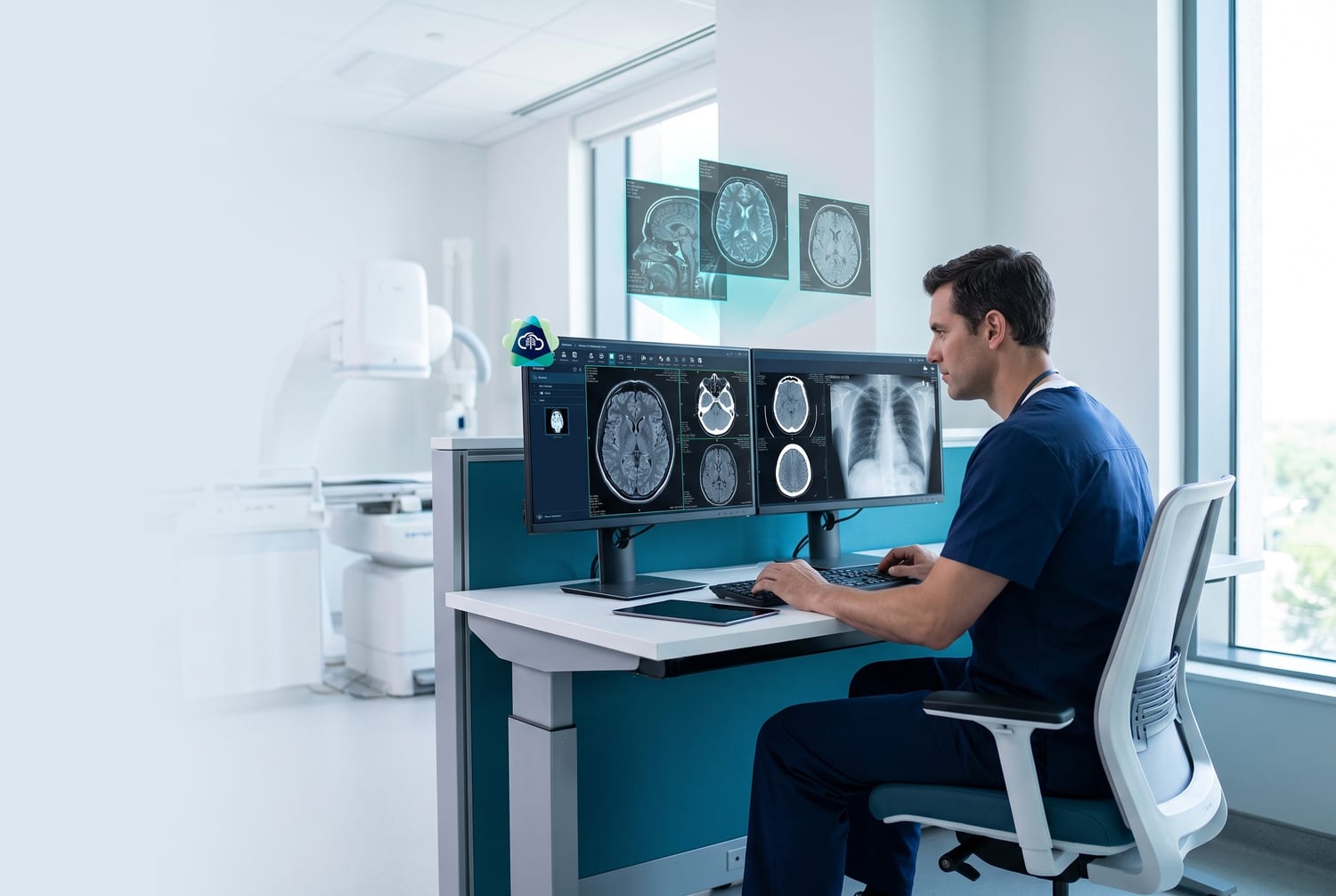
Comparing clinic management software for outpatient clinics requires a different lens than evaluating hospital or inpatient systems. Outpatient clinics process high patient volumes with fast turnaround — 30 to 80+ patients per day in busy GP practices across Malaysia. The software must keep pace: fast registration, efficient consultation workflows, quick billing, and minimal clicks between steps.
This guide gives you a practical framework for comparing outpatient clinic software, with specific criteria that matter most for high-volume practices.
Why Do Outpatient Clinics Have Different Software Needs?
Outpatient clinics differ from hospitals and inpatient facilities in three fundamental ways that affect software requirements:
- High throughput — patients are in and out within 15–30 minutes. Every extra click adds up across 50+ visits per day
- No overnight stays — the system does not need bed management, nursing shifts, or ward allocation
- Direct dispensing — most outpatient clinics in Malaysia dispense medication on-site, requiring tight integration between consultation and inventory
Software designed for hospitals includes features outpatient clinics never use — and those features add complexity and cost without value. Conversely, hospital software often lacks the workflow speed that high-volume outpatient clinics demand.
A Practical Evaluation Framework for Outpatient Clinic Software
Use these seven criteria to score each software option. Rate each on a scale of 1–5 and total the scores for an objective comparison.
Criterion 1: Speed of Core Workflow
Time the full workflow during a demo: patient check-in → consultation → treatment note → billing → dispensing. In a well-designed system like MedicalMet, this entire cycle completes in under 5 minutes. If the demo takes 10+ minutes per patient, multiply that by your daily volume — the time cost is enormous.
Criterion 2: Appointment and Queue Management
Outpatient clinics often handle a mix of appointments and walk-ins. Queue management with real-time display boards and smart scheduling that accommodates both booked and walk-in patients is critical. Ask: can the system handle a queue of 20 walk-ins alongside 15 scheduled appointments without confusion?
Criterion 3: Clinical Documentation Speed
Doctors in high-volume outpatient settings cannot spend 10 minutes typing notes per patient. AI-powered treatment notes that generate structured documentation from voice input are a game-changer — MedicalMet has processed over 10,000 voice notes, helping doctors save an estimated 10 hours per week on documentation alone (MedicalMet internal data, 2025).
Criterion 4: Billing and Dispensing Integration
In Malaysian outpatient clinics, the doctor prescribes, the front desk bills, and the clinic dispenses — often within the same visit. The software must flow seamlessly from consultation to invoice generation to medication dispensing with automatic stock deduction. Any manual step between these stages slows the queue.
Criterion 5: Patient Communication and No-Show Prevention
No-shows disrupt the schedule and waste appointment slots. Automated WhatsApp reminders reduce no-shows by up to 90%. When comparing software, check whether reminders are built-in or require a separate integration. Built-in always wins on reliability and cost.
Criterion 6: Reporting and Business Insights
Can the system show you daily revenue, patient volume trends, top services, and no-show rates at a glance? Real-time dashboards and detailed reports help you optimise staffing, identify peak hours, and track growth. If you need to export to Excel for basic analysis, the software is falling short.
Criterion 7: Pricing and Scalability
Compare total cost of ownership, not just the monthly subscription. Factor in setup fees, per-user charges, add-on modules, and data migration costs. The best outpatient clinic software scales with you — whether you add a second doctor, a new service line, or open a second branch. For a detailed cost analysis, see our guide on clinic software pricing and benefits.
Always Test With Real Scenarios
During demos, bring a list of your actual daily workflows. Ask the vendor to walk through a typical busy morning at your clinic — not a scripted demo with ideal conditions.
What Are the Most Common Mistakes When Comparing Clinic Software?
- Choosing based on feature count instead of workflow speed — more features does not mean better fit
- Ignoring migration effort — the cost of switching includes data migration, staff training, and downtime
- Skipping the free trial or demo — never commit to software you have not tested with your actual team
- Focusing only on price — the cheapest system that wastes 30 minutes of staff time daily costs more in the long run
- Overlooking local compliance — LHDN e-invoicing, panel billing, and local tax requirements are non-negotiable in Malaysia
Why Outpatient Clinics Choose MedicalMet
MedicalMet is built for the speed and volume that outpatient clinics demand. The full workflow — check-in to billing to dispensing — is designed around minimal clicks and maximum automation. Trusted by over 3,000 healthcare professionals across Malaysia, Singapore, and Southeast Asia, it handles everything from scheduling and AI documentation to WhatsApp reminders and transparent pricing in one cloud platform.
“The best clinic software is the one your team actually uses every day without friction. Speed and simplicity are not nice-to-haves — they are the baseline for any outpatient system.”
— MedicalMet Team
Related FAQs

Cedric Lau
Business Development Manager, MedicalMet