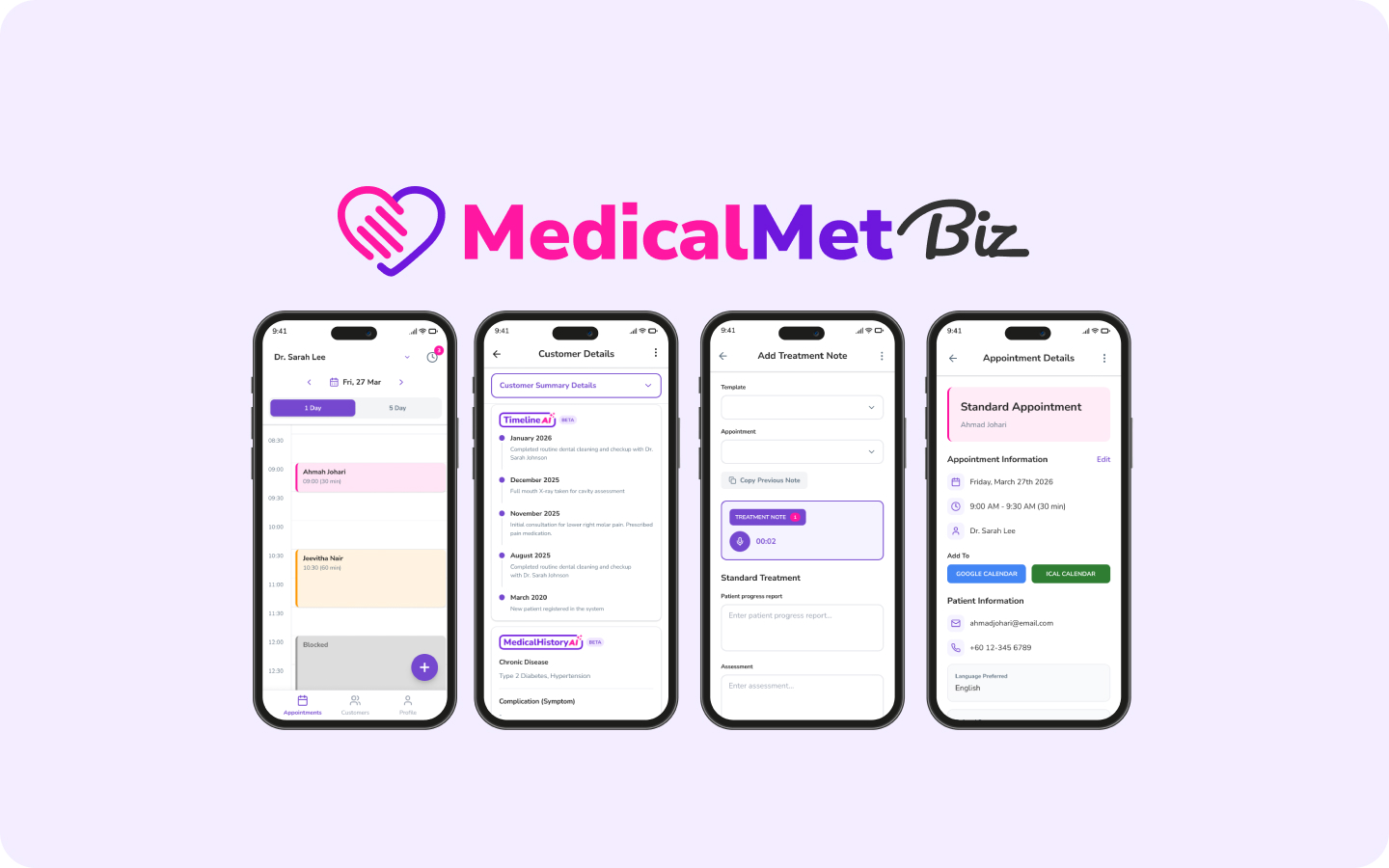
Cloud-based clinic management systems store data on remote servers and run in a browser, while on-premise systems install locally on your clinic's hardware. In 2026, cloud-based solutions dominate the market for good reason — they are cheaper to maintain, easier to update, and accessible from anywhere. But the decision depends on your clinic's specific needs around control, internet reliability, and data compliance.
This comparison breaks down the real-world differences between cloud-based and on-premise clinic management, with specific considerations for practices in Malaysia and Southeast Asia.
What Is Cloud-Based Clinic Management?
A cloud-based clinic management system runs on servers managed by the software provider. You access it through a web browser or app — no installation required. Updates happen automatically, backups run in the background, and your team can log in from any device with an internet connection.
Examples include MedicalMet, Cliniko, and Klinify. The subscription model typically includes hosting, updates, support, and data backups in one monthly fee.
What Is On-Premise Clinic Management?
An on-premise system installs directly on computers or a local server at your clinic. All data stays on your hardware. You own the software licence outright — but you also own the responsibility for maintenance, backups, security patches, and hardware upgrades.
Legacy systems like some older Malaysian clinic software packages follow this model. They were standard before reliable broadband reached most clinics — but the trade-offs are significant in 2026.
How Do Cloud and On-Premise Compare on Key Factors?
Upfront Cost and Total Cost of Ownership
On-premise systems have high upfront costs — RM 5,000 to RM 20,000+ for licences, server hardware, and installation. Annual maintenance fees add RM 1,000–3,000. Cloud systems charge RM 200–800 per month with zero hardware investment. Over 3–5 years, cloud systems are typically 30–50% cheaper when you factor in hardware replacement cycles and IT support costs.
Maintenance and Updates
Cloud systems update automatically — you always run the latest version with the newest features and security patches. On-premise systems require manual updates, often needing the vendor to visit your clinic or a local IT technician to install patches. Clinics using on-premise software frequently fall behind on updates, creating security risks.
Data Security and Backup
This is where misconceptions are common. Many clinic owners believe on-premise is more secure because "the data stays in my clinic." In reality, cloud providers invest millions in security infrastructure — encryption, redundant backups, 24/7 monitoring — that no single clinic could afford to replicate. A local server with no redundancy is at far greater risk from hardware failure, theft, fire, or flood.
MedicalMet uses encrypted cloud infrastructure with automatic daily backups and role-based access controls. For a deeper look at data security, see our guide on AI and patient data privacy.
Internet Dependency
The most legitimate concern with cloud systems is internet dependency. If your broadband goes down, you lose access. However, in 2026, internet reliability in Malaysian urban areas (where most clinics operate) exceeds 99.5% uptime. Mobile hotspots provide a backup. The risk of a few minutes of downtime is far lower than the risk of losing all your data to a hard drive failure on a local server.
Accessibility and Remote Work
Cloud systems let clinic owners check dashboards, review reports, and manage schedules from home, during conferences, or across branches. On-premise locks you to the physical location. For multi-branch practices, cloud is the only practical option — replicating on-premise infrastructure across locations is prohibitively expensive.
Quick Comparison Summary
Cloud: lower cost, automatic updates, accessible anywhere, provider-managed security. On-premise: higher upfront cost, manual updates, physical control of data, internet-independent. For most clinics in Malaysia, cloud wins on cost, convenience, and security.
Which Is Right for Your Practice?
Choose cloud if you want lower costs, zero IT maintenance, and the flexibility to access your system from anywhere. This covers the vast majority of clinics in Malaysia and Southeast Asia.
Consider on-premise only if you have strict regulatory requirements that mandate local data storage (rare in private practice), operate in a location with genuinely unreliable internet, or have existing IT infrastructure and staff to maintain it.
“The question is no longer whether to move to the cloud — it is how quickly you can get there. Every month on legacy on-premise software is a month of paying more for less.”
— Eddy Goh, CTO, MedicalMet
Why MedicalMet Is Cloud-Native
MedicalMet was built cloud-native from day one — not retrofitted from a desktop application. This means every feature, from AI treatment notes to WhatsApp reminders and real-time dashboards, works seamlessly in a browser with no installation. Trusted by over 3,000 healthcare professionals across Southeast Asia, MedicalMet handles the full clinic workflow in a single cloud platform.
Related FAQs

Eddy Goh
CTO, MedicalMet