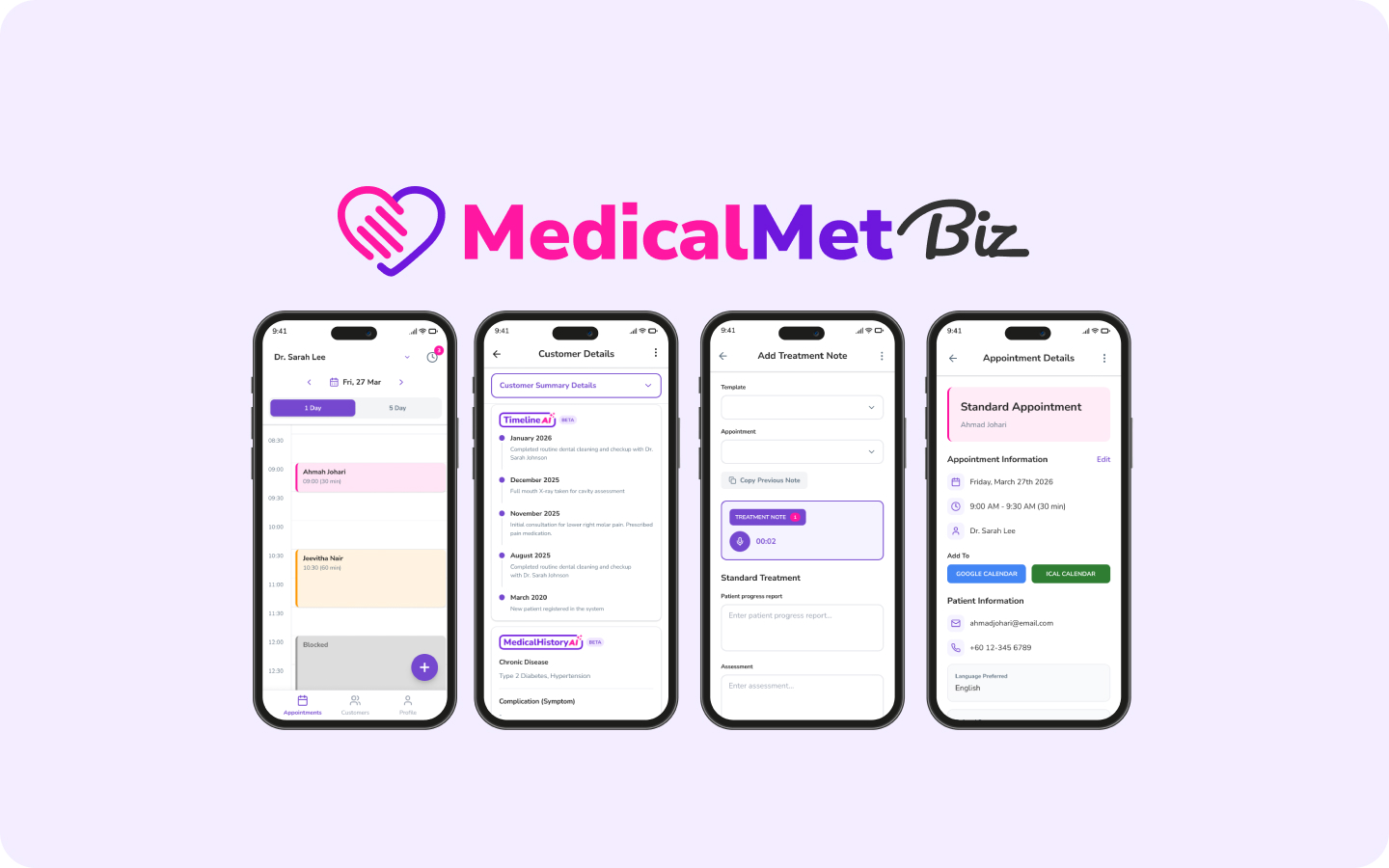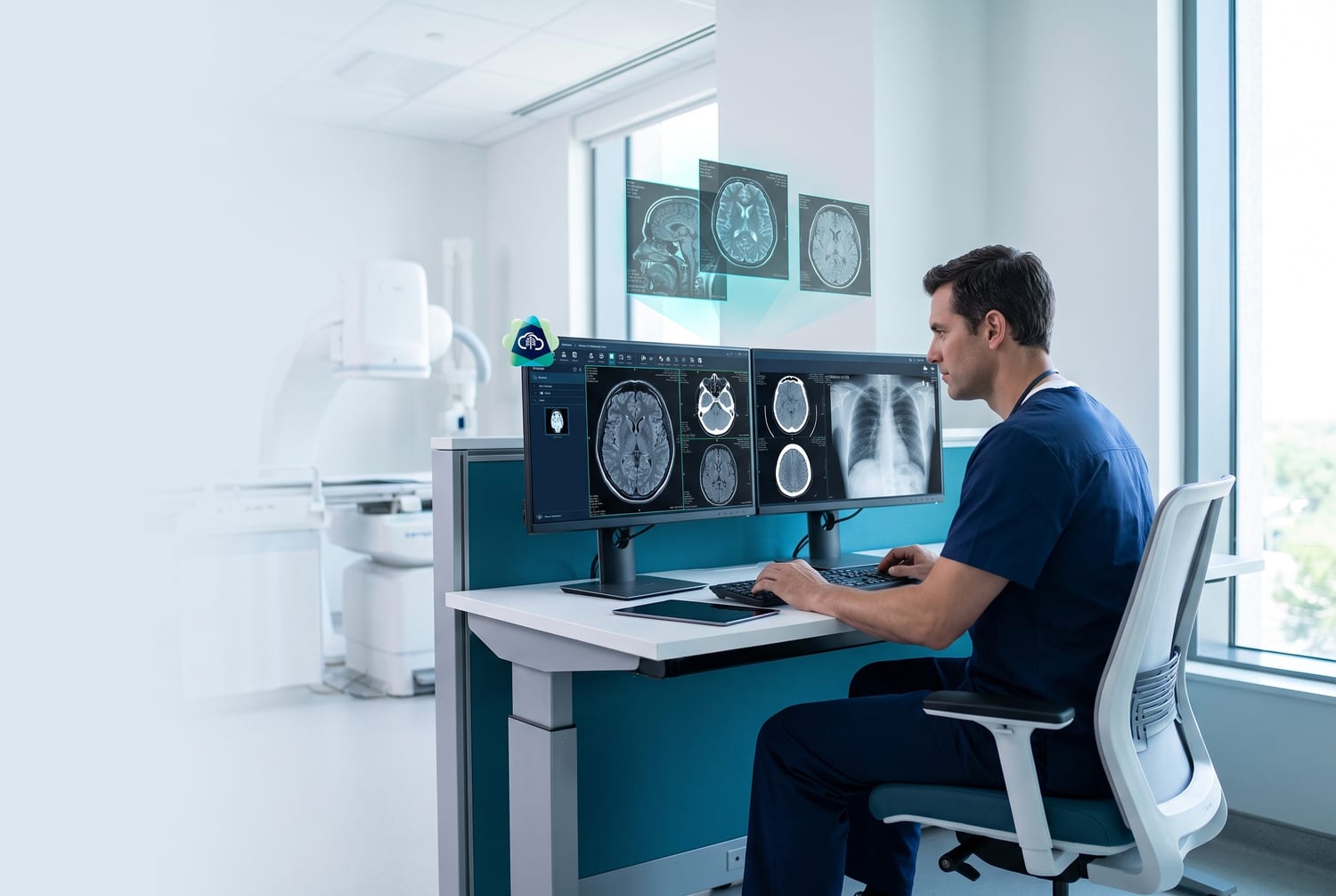
MedicalMet's AI Treatment Notes have received a major enhancement. The system now processes voice input with near real-time latency, automatically summarizing consultations into your custom treatment note forms as you speak. Since launch, our users have collectively logged approximately 10,000 voice treatment notes and saved an estimated 5,000 hours of manual documentation time.
Near Real-Time Voice Processing
Our proprietary AI model now processes voice input with near real-time latency. As the practitioner speaks, the custom treatment note form fields update live — there is no waiting for the full recording to finish. Doctors can see their notes taking shape during the consultation itself, making documentation feel effortless.
Auto-Summarize Into Your Custom Forms
Every clinic has unique documentation needs. MedicalMet's AI does not just transcribe — it summarizes and maps the conversation into your clinic's specific treatment note template. Whether you use dropdowns, radio buttons, text fields, or checkboxes, the AI fills them in contextually based on what was discussed during the consultation.
Best Practices for Optimal Results
To get the best transcription accuracy and real-time performance, we recommend the following setup:
- Use AirPods or a wireless Bluetooth microphone for hands-free recording
- Speak naturally at a conversational pace — no need to slow down
- Position the microphone within one metre of the speaker
- Minimize background noise during recording for best accuracy
- Review and finalize notes after each consultation before moving on
By the Numbers: 10,000 Voice Notes and Counting
Based on MedicalMet data as of January 2026, our users have collectively logged approximately 10,000 voice treatment notes. This has saved practitioners an estimated 5,000 hours — time that would otherwise have been spent on manual documentation after each patient encounter.
“I used to spend 15 minutes typing after every patient. Now I just talk, and the notes are ready before the patient leaves the room.”
— MedicalMet User
How It Works
- Start your consultation and tap Record in MedicalMet
- Speak naturally — the AI processes your voice in near real-time
- Watch your custom treatment note form populate as you talk
- Review, edit if needed, and save — the note is attached to the patient profile
Pro Tip
Use AirPods or a wireless microphone for the best hands-free experience. The AI works best with clear, direct audio input from a dedicated microphone.
Available to All Subscribers
The enhanced AI Treatment Notes with real-time processing are available to all MedicalMet subscribers. If you are already using MedicalMet, the new feature has been added for you, to activate the feature please navigate to "General Setting" and tick "Allow Treatment Note AI".

Eddy Goh
CTO, MedicalMet