Queue TV Screen
A smarter waiting room experience.
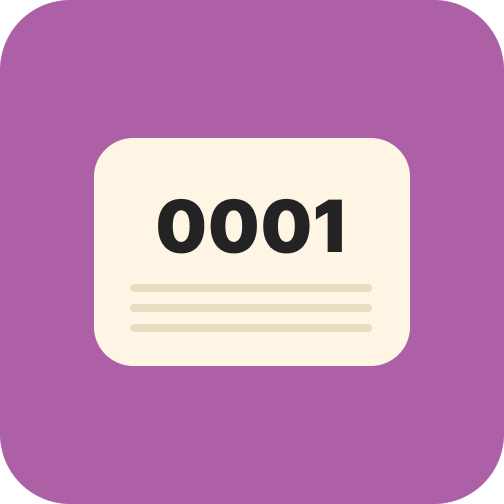
Connect any TV or monitor in your waiting room to MedicalMet's Queue TV Display. Patients see their queue number, current status, and which room to proceed to — all in real time. Reduce 'how much longer?' inquiries at reception and create a professional, organised waiting experience.

What gets synced
Here's what flows between MedicalMet and Queue TV Screen.
Queue numbers and patient call status update in real time
Room assignments displayed when patients are called
Practitioner names shown alongside queue progression
Customisable display with your clinic branding
Why clinics choose Queue TV Screen
Display real-time queue status on your waiting room TV — patients know exactly when it's their turn.
Reduce Front Desk Inquiries
Patients can see their position and status on screen — no need to ask reception 'how much longer?'
Professional Impression
A branded queue display signals efficiency and professionalism. Patients feel confident their wait is being managed.
Works With Any TV
No special hardware needed. Any smart TV, tablet, or monitor with a browser can display your queue screen.
Real-Time Updates
Queue status changes the instant your staff updates it in MedicalMet — no delays, no refresh needed.
How to get started
Connect Queue TV Screen in minutes, not months.
Enable Queue Display
Activate the Queue TV Display module in MedicalMet settings. You will receive a unique display URL for your clinic.
Open on Your TV
Navigate to the display URL on any smart TV, tablet, or monitor browser. The queue screen loads automatically.
Customise & Go
Add your clinic logo, choose display colours, and set which information to show. The screen updates in real time as your queue progresses.
Related features
Queue TV Screen integrates seamlessly with these MedicalMet modules.
Related integrations
Ready to connect Queue TV Screen?
Schedule a free demo and see how MedicalMet integrates with Queue TV Screen to streamline your clinic operations.
No credit card required. Free 30-day trial after demo.