Patient Mobile App
Your clinic in every patient's pocket.
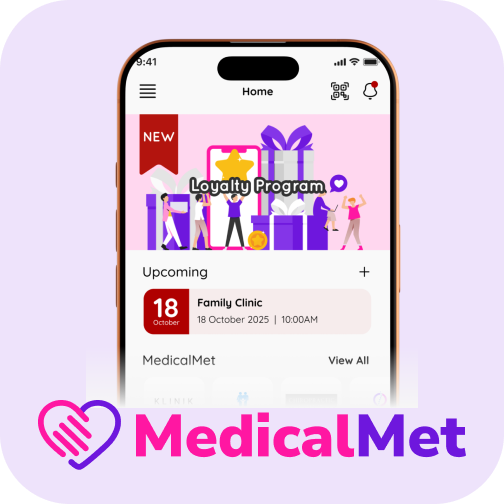
MedicalMet's Patient Mobile App gives your clinic a branded presence on iOS and Android. Patients can book appointments, view their treatment history, download invoices, receipts and letters, open their X-rays and scans, check loyalty points and receive push notifications — all from their phone. One account can manage the whole family. It's your clinic's digital front door.

What gets synced
Here's what flows between MedicalMet and Patient Mobile App.
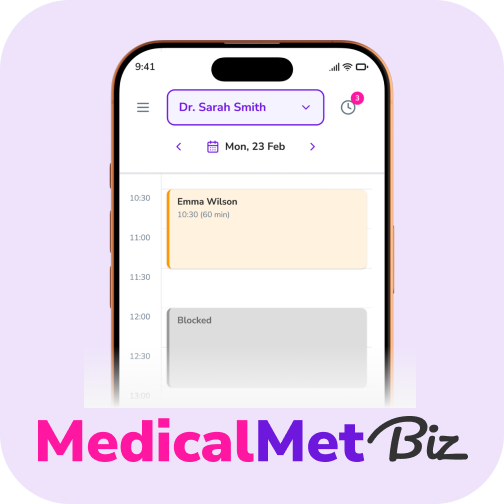
Appointments booked in the app appear instantly in MedicalMet
Treatment history, prescriptions, invoices, receipts and letters visible to patients
Family profiles — each family member's appointments and records under one account
X-rays and radiology scans viewable in a built-in DICOM viewer
Loyalty points balance and redemption options updated in real time
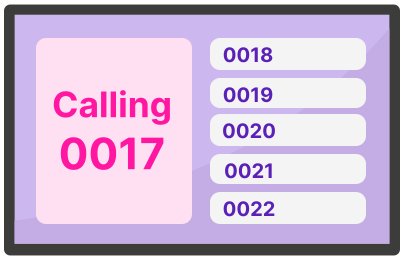
Push notifications for reminders, promotions, and queue updates
Why clinics choose Patient Mobile App
Give patients a branded iOS and Android app for booking, family records, invoices, X-rays and loyalty rewards.
Easy Rebooking
Patients can book their next appointment in seconds — view available slots, choose their practitioner, and confirm without calling.
Records for the Whole Family
Patients review past visits, prescriptions, invoices, letters and X-rays for every family member on their account. Fewer calls to your front desk for copies.
Loyalty Program Integration
Points balance, rewards catalogue, and redemption are all accessible in-app — encouraging patients to return and earn.
Push Notifications
Send appointment reminders, queue position updates, and promotional offers directly to patients via push notification.
How to get started
Connect Patient Mobile App in minutes, not months.
Activate the App Module
Contact your MedicalMet account manager to enable the Patient Mobile App for your clinic.
Customise Branding
Upload your clinic logo and choose brand colours. The app will display your clinic name and branding.
Invite Patients
Share the app download link with your patients via WhatsApp, email, or QR code at your reception desk.
Related features
Patient Mobile App integrates seamlessly with these MedicalMet modules.


Related integrations

Ready to connect Patient Mobile App?
Schedule a free demo and see how MedicalMet integrates with Patient Mobile App to streamline your clinic operations.
No credit card required. Free 30-day trial after demo.