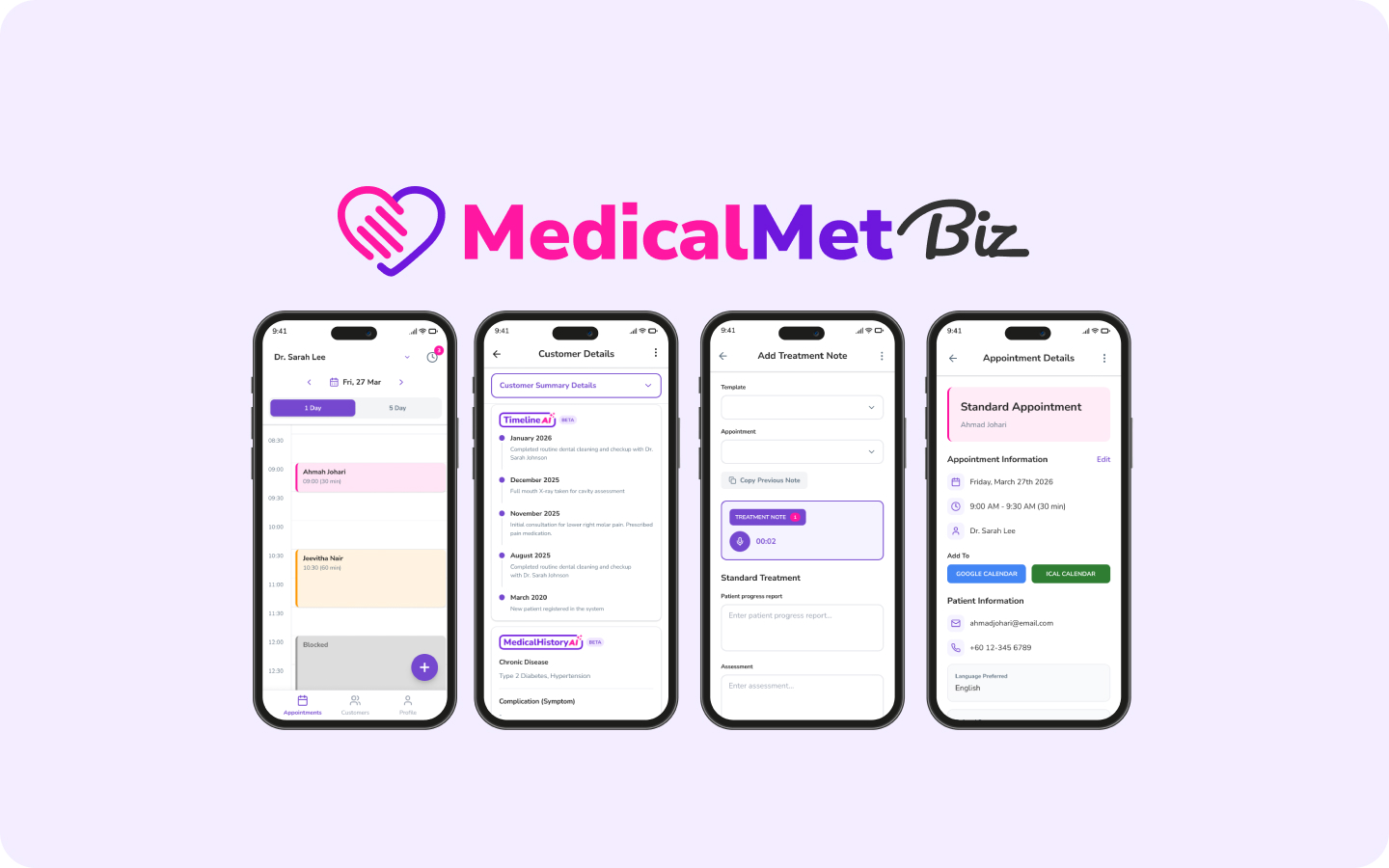
Choosing a clinic management system for a multi-specialty practice requires software that supports different appointment types, specialty-specific workflows, and shared patient records — all under one roof. Unlike single-specialty clinics, multi-specialty practices face unique challenges: a dermatology patient may also see an orthopaedic specialist in the same facility, and both doctors need access to the same clinical history without duplicating records.
The wrong software forces each department into workarounds. The right one unifies operations while respecting the differences between specialties. Here is how to evaluate your options.
Why Do Multi-Specialty Practices Outgrow Basic Software?
A system built for a single GP clinic typically assumes one appointment type, one consultation flow, and one billing structure. Multi-specialty practices break all three assumptions:
- Appointment durations vary — a 10-minute GP consult versus a 45-minute physiotherapy session
- Treatment notes differ — dermatology uses image-heavy records while orthopaedics tracks range-of-motion data
- Billing complexity increases — panel rates, specialist fees, procedure bundles, and insurance claims vary by department
- Staff scheduling spans multiple practitioners with different availability patterns
- Shared resources like rooms, equipment, and nursing staff need cross-department coordination
If your current system cannot handle these variations natively, your admin team is filling the gaps manually — and that does not scale.
What Features Should Multi-Specialty Clinics Prioritise?
Unified Patient Records Across Departments
The most critical requirement. When a patient visits your GP and later sees a specialist in the same building, both doctors must access the same patient profile — medical history, allergies, medications, and past visit notes. Duplicate records across departments create dangerous information gaps.
Flexible Appointment Scheduling by Practitioner and Service
Smart appointment scheduling should support variable slot durations per service type, individual practitioner calendars, and the ability to book patients across departments without switching between systems. Colour-coding by department or specialty helps reception staff manage the daily flow visually.
Customisable Treatment Note Templates
Each specialty documents differently. AI-powered treatment notes with customisable templates let each department configure their preferred documentation structure — SOAP notes for GPs, image-annotated notes for dermatology, exercise plans for physiotherapy — all stored in the same patient record.
Multi-Practitioner Billing and Commission Tracking
Different specialists may have different fee schedules, commission structures, and insurance panel arrangements. Commission plan tracking and flexible invoicing ensure each practitioner is billed and compensated correctly — without your finance team reconciling spreadsheets at month-end.
Reporting and Analytics by Department
Clinic owners need to see performance at both the practice level and the department level. Detailed reports should break down revenue, patient volume, and no-show rates by specialty, practitioner, or service type. This helps you identify which departments drive growth and where bottlenecks exist.
Multi-Specialty ≠ Multi-Location
A multi-specialty practice under one roof has different requirements from a single-specialty chain across multiple branches. Make sure the software you evaluate addresses specialty workflow variation, not just branch replication.
Evaluation Checklist for Multi-Specialty Clinic Software
Use this checklist when comparing systems for your multi-specialty practice:
- Can I configure different appointment durations and types per specialty?
- Do all departments share a single patient record with full history?
- Are treatment note templates customisable per department?
- Does billing support different fee schedules and commission plans per practitioner?
- Can I generate reports filtered by specialty, practitioner, or service?
- Does the queue system handle multiple waiting areas or departments?
- Is inventory separated by department while allowing shared stock visibility?
- Can patient communication (reminders, follow-ups) be configured per department?
If a system cannot answer "yes" to at least six of these, it is likely designed for simpler practices and will create workaround overhead for your team.
How MedicalMet Handles Multi-Specialty Workflows
MedicalMet supports multi-specialty practices with flexible scheduling, per-practitioner settings, unified patient records, and department-level reporting — all in a single cloud platform. Trusted by over 3,000 healthcare professionals across Malaysia, Singapore, and Southeast Asia, it handles the complexity of multi-specialty operations without requiring separate systems per department.
“A multi-specialty clinic should feel like one practice to the patient and one system to the staff — not a collection of disconnected departments running different software.”
— MedicalMet Team
Related FAQs and Resources

Cedric Lau
Business Development Manager, MedicalMet